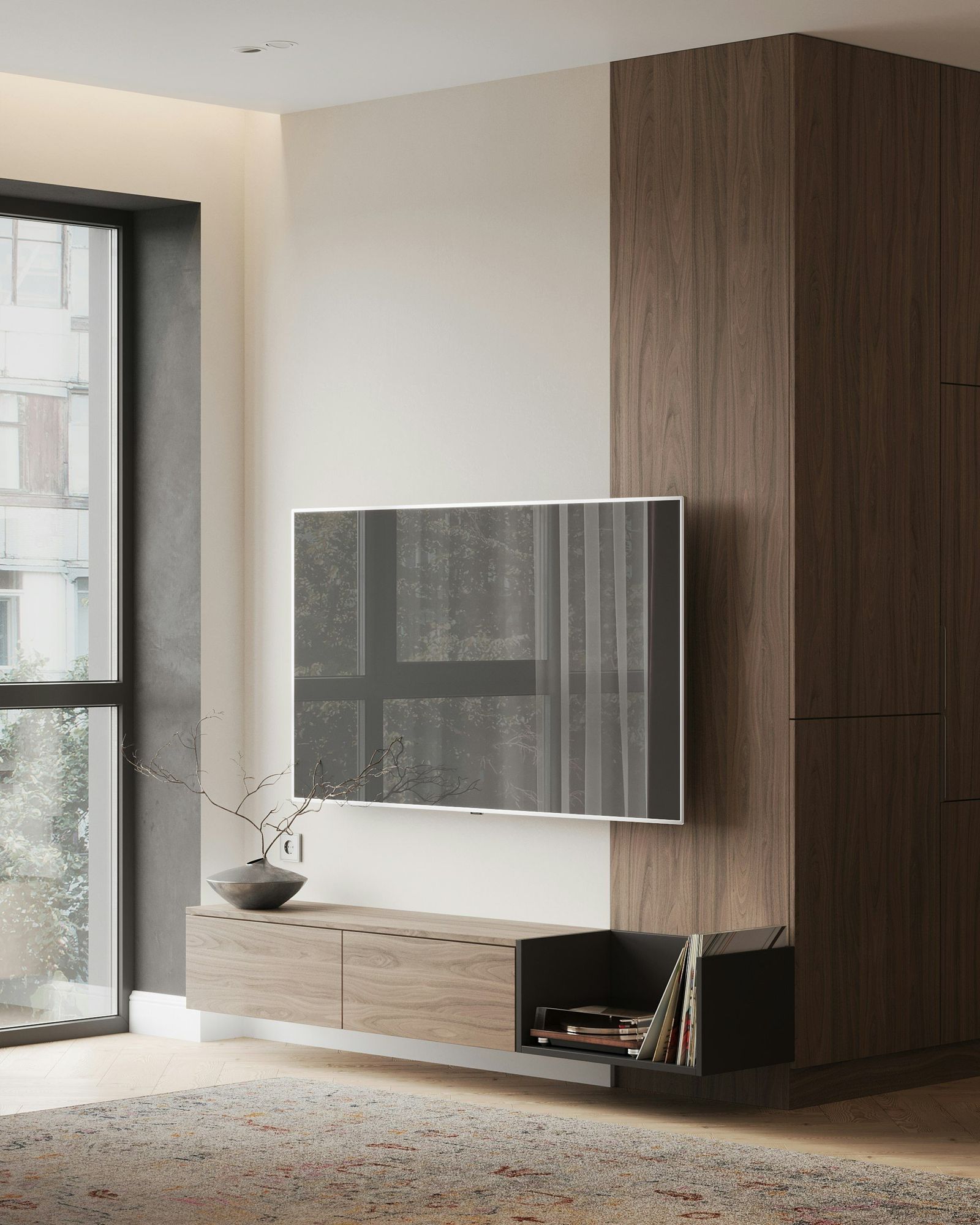
A media wall only looks calm if nothing hangs below the screen. The good news is that a paneled wall is the easiest place in the house to hide cables, as long as the wiring is planned before the panels go up, not after.
01Start with power behind the screen
Most TVs need one outlet. The cleanest answer is a recessed outlet directly behind the screen, so the plug sits inside the wall rather than poking out. A TV power cord should never simply be fished through the wall cavity; that is not what it is rated for. Use a proper in-wall power kit, or have a licensed electrician add an outlet at TV height. In New York, electrical work like this is done by a licensed electrician, and we coordinate the timing so it happens before the panels are made.
02Run a pull tube to the console
HDMI, network and speaker cables change every few years. Instead of burying them, run a flexible conduit (often called a pull tube) from a box behind the TV down to the console. Two inches across is a comfortable size. When you upgrade a soundbar or add a game console, a new cable slides through without opening anything up.
03Use the gap behind the panels
Our wall panels sit roughly an inch off the wall on cleats. That space is a ready-made channel for low-voltage cable runs between the screen, the console and any lighting drivers. It also lets us leave a removable panel where equipment needs to stay reachable.
04Recess the TV box
A recessed media box behind the screen holds the power outlet, the conduit opening and the spare length of cable. It lets the TV mount sit tight to the wall, so the screen reads as part of the paneling rather than something stuck on top of it.
05Let the equipment breathe
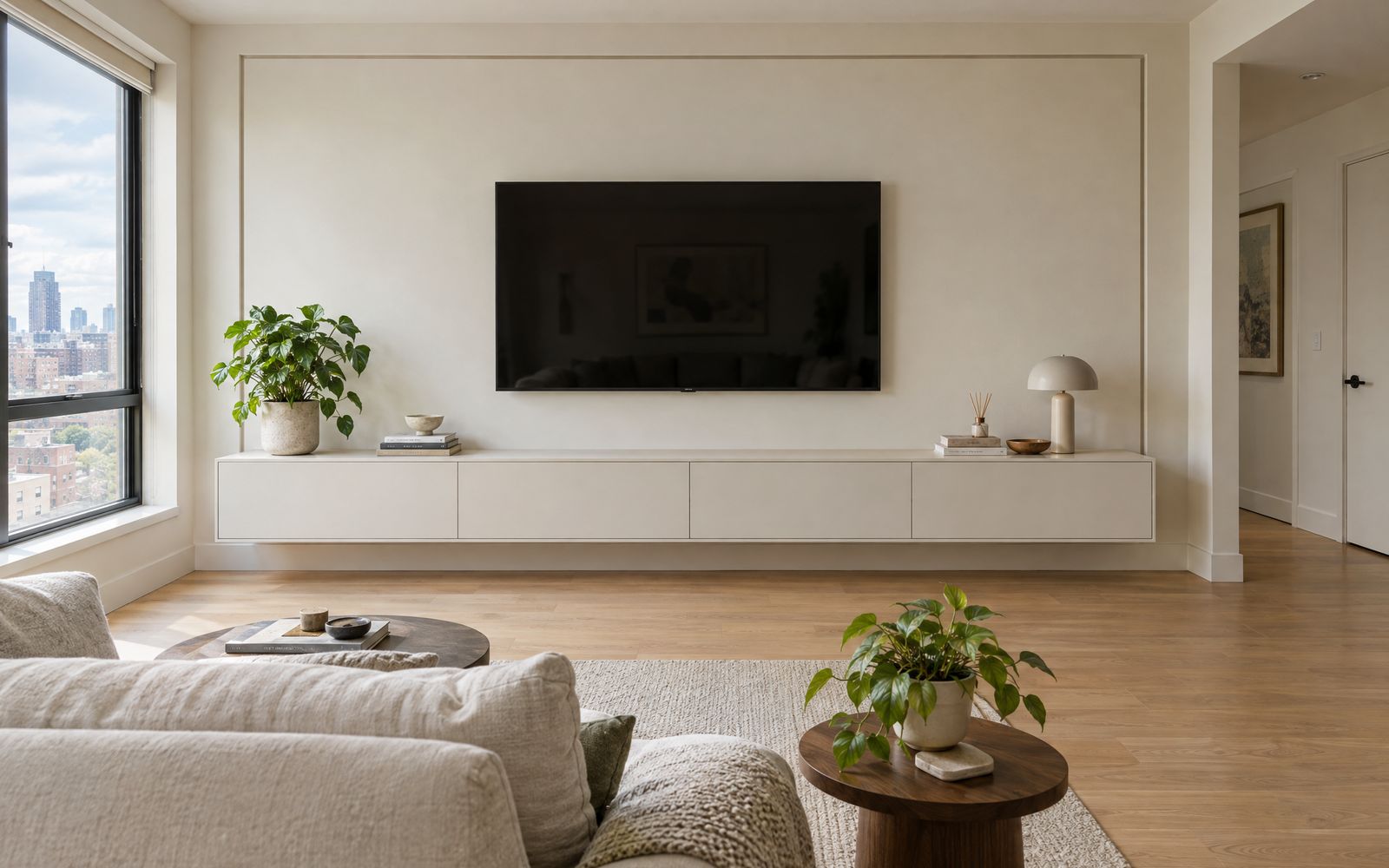
Receivers and game consoles run warm. Closed cabinet doors look best, but the cabinet behind them needs air. We leave ventilation gaps or a perforated back, and keep the deepest, best-ventilated bay for the hottest piece of equipment.
06Make the remote work through closed doors
Infrared remotes need line of sight. With push-to-open or lift-up doors closed, either choose equipment with RF or Bluetooth remotes, or add a small IR repeater with its eye tucked under the console. It is a small part that decides whether the doors actually stay shut.
07Plan it on the drawing
Every one of these details is marked on the shop drawing before anything is cut: outlet height, conduit route, the removable panel and the vent locations. You can design your wall in 3D and see the price as you go, read the full design guide, or book a free design visit and we will plan the wiring with you on site.